Every goal, KPI and training at Sesh+.
One calm compass.
Your rebuilt company dashboard is already running. Sign in as any of 33 teammates and see their own home page: KPIs with trends, priorities, required trainings, and nothing they shouldn’t see.
Everything you asked for is here to click through
Each row below is a sentence from your job post and where to find it in the demo. Nothing is a mock-up: it reads from a real Supabase database through the same permissions your team would have.
Each person gets their own home page
My homeOutcomes & KPIs with progress bars, trends and forecasts, plus priorities, projects and what’s coming up
Company, team and person pages
Company · Teams · PeopleNorth stars & health score, team scorecards, people profiles and an interactive org chart
Ops, Sales and Quality pages
Department pagesOTIF & capacity, state/province maps & chains, complaint SLAs & SPC — plus Marketing, Finance and People
A weekly team updates feed and a wiki
Updates · WikiWeekly updates with kudos & reactions; a searchable wiki with spaces and page-level visibility
Google sign-in for our company domain only
LoginSupabase Auth with Google, restricted to @seshproducts.com and checked again server-side. The demo uses role switching
Per-person permissions; private vs. company-wide sections
Admin · Shift+XRow-level security on every table, page grants by company / department / team / person, and a permission X-ray
Charts and KPI cards read from our database
EverywhereOne KPI model (definitions, targets, values, dimensions) drives every card and chart
Our data team brings data from Snowflake, Sheets & other tools
Data · /api/v1A token-scoped REST endpoint with per-row validation, sync runs and freshness monitors
Trainings with a knowledge check and PDF certificates
TrainingsModules, quizzes and a certificate PDF (name, training, version, date, score) with a QR code anyone can verify
Role-required trainings; re-assign when a training is updated
Trainings · AdminPublishing a new version supersedes open work and re-assigns everyone in scope automatically
Save certificates to the person’s Google Drive folder; managers see who did what
Trainings → TeamDrive hand-off hook (file id + link stored on the certificate) and a team completion matrix for managers
Complaint intake and anonymous feedback forms
FormsComplaint intake feeds the Quality queue with SLA timers; anonymous feedback stores no author at all
A simple way for automations to post into pages
Updates · DataPOST /api/v1/posts with a scoped token: Slack-style cards with severity, links and the target page
Basic usage tracking — which pages get used
Admin → UsagePage views, active time and adoption by department, shown to admins
Everything should work well on a phone
Try it on your phoneMobile-first layouts, bottom navigation, touch-sized targets and charts that reflow
Reusable components so our team can add pages & trainings
Help → For buildersOne component kit (KPI card, trend, scorecard, feed) and trainings authored as data, not code
The AI search bar and inbox summaries stay with your automation partner, as your brief says. Compass already exposes clean search and posting endpoints for them to plug into.
Every page is built from the same reusable kit
Pick a module to see a live chart, then jump straight in as the person who owns it.
A home page that is actually yours
- Your outcomes & KPIs with progress bars, trends and a 6-month forecast
- Priorities, projects and what’s coming up this week
- XP, streaks and badges that reward the boring-but-vital stuff
Live chart · illustrative demo data
Same app, a different Compass for every role
A field rep sees her territory and her trainings. A director sees his team. The CEO sees everything. Each one is a real database user with real permissions.
Permissions are enforced by the database, not just hidden by the screen
Every row carries a visibility. Postgres checks it on every read, so a private number never leaves the server for someone who shouldn’t see it, even through the API. Admins grant pages to the company, a department, a team or one named person.
- 44 page grants and 116 policies in the demo, all tested automatically
- Managers see their reports’ numbers; peers don’t
- Anonymous feedback stores no author at all
Narrower layers see more detail; wider layers see more people.
Learn it, pass it, get the certificate
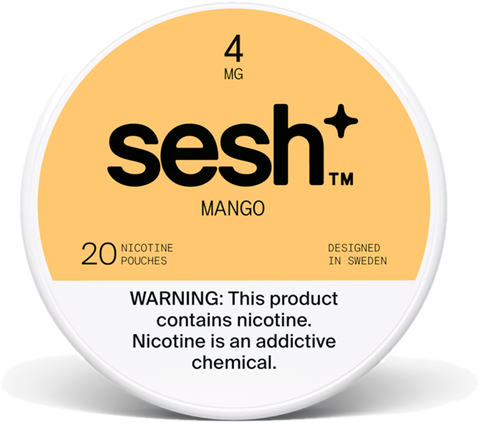
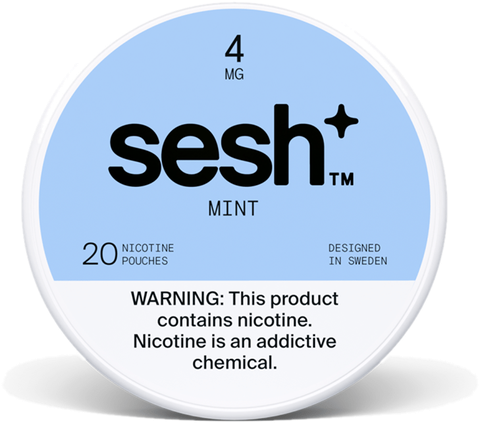
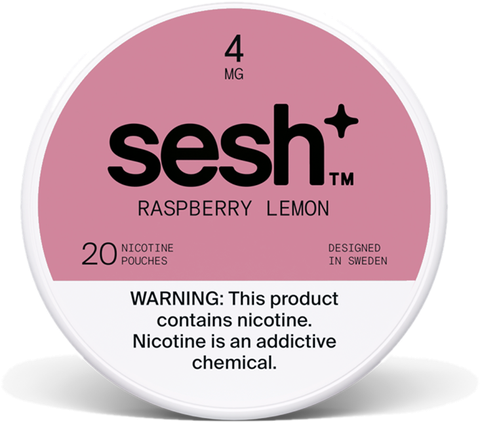
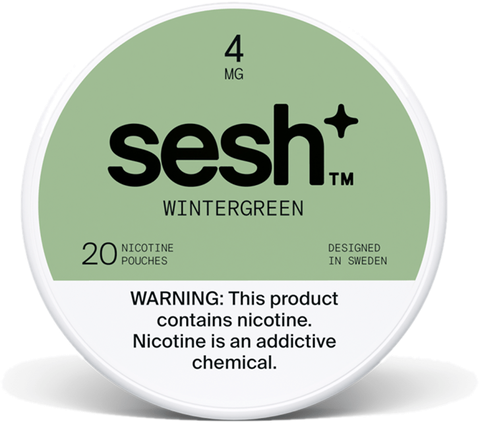
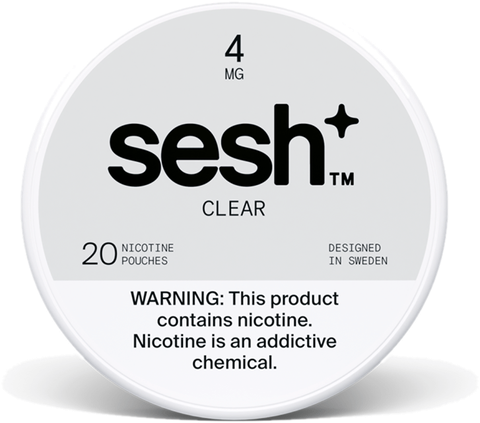
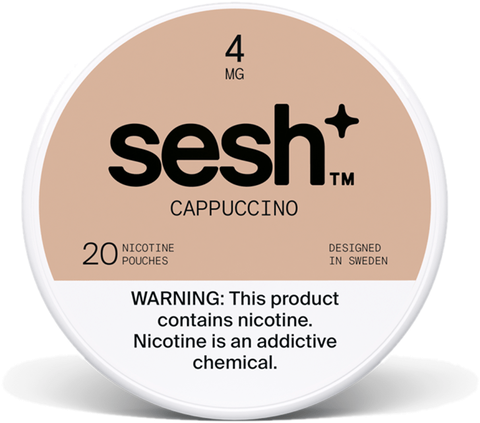
8 Sesh+ trainings, from PMTA claims guardrails to retail age verification, each in the colour of a can.
- 1 LearnShort visual lessons
- 2 CheckQuiz with a pass mark
- 3 CertifyPDF, serial & QR, then Drive
- 4 TrackManagers see who’s done what
- 5 RequireBy role, department or person
- 6 RefreshNew version re-assigns everyone

 SESH-2026-01199
Pass any training in the demo and download your own certificate.
Built the way an owner would want it
Small extras that make a 40-person company faster, safer and easier to run as it grows.
Sesh+ Health Score
One number for the whole company, built from north-star attainment, so Monday’s question is answered before the meeting.
Forecasts with confidence bands
Six-month projections on every trended KPI. Misses show up weeks early, not at month-end.
Regulatory radar
PMTA milestones, flavor-ban exposure by state and age-verification compliance, treated as first-class KPIs.
XP, streaks & badges
Gamification that rewards weekly updates, trainings and kudos, the habits that keep a 40-person team aligned.
Permission X-ray
Press Shift+X to see exactly who can see each section. No more guessing whether comp numbers are private.
Signals & anomalies
Automatic call-outs when a KPI breaks its trend or control limits, posted to the people who own it.
Verifiable certificates
Every certificate carries a serial and a QR code, which matters for retailer audits and regulatory inspections.
Adoption as a KPI
Dashboard adoption sits on the company scorecard, so the rollout at the January event can be measured.
Your data team keeps its tools. Compass just reads the result.
Snowflake, Google Sheets, Shopify, QuickBooks or any automation can send KPI values to one documented endpoint. Every batch is validated row by row, logged as a sync run and shown on a freshness monitor.
curl -X POST https://sesh-compass.pages.dev/api/v1/kpi-values \
  -H "Authorization: Bearer $COMPASS_TOKEN" \
  -H "Content-Type: application/json" \
  -d '{
    "source": "snowflake",
    "pipeline": "daily_sales",
    "rows": [
      { "kpi_code": "doors", "period_start": "2026-11-01", "value": 7851 },
      { "kpi_code": "tr_revenue", "scope_type": "person",
        "scope_id": "jennifer-prisnie", "period_start": "2026-11-01",
        "value": 118.4 }
    ]
}'Keep Next.js, Supabase and GitHub. Consider Cloudflare instead of Vercel.
You asked for the reason, not the habit. Here it is, along with the honest alternative: the same code runs on Vercel if you prefer to stay.
Free for a business
Unlimited static requests and bandwidth on the free plan. Vercel’s free Hobby tier is for personal, non-commercial use, so a company pays per seat.
Locked to your team
Cloudflare Access (free up to 50 users) can put staging, or the whole app, behind your Google Workspace login before a page loads.
Secure by default
Always-on DDoS protection, WAF rules, automatic TLS and bot filtering at the edge, all included.
Fast everywhere
Served from 330+ cities, so Austin, Calgary, Vancouver and Manila all get the same snappy load.
Every branch gets a preview link, so your weekly demo is a URL, not a screen-share.
Old app keeps running. Routes switch to new pages one at a time; everything else still goes to the current app until it’s replaced.
Live for your January 12 rollout, with a week to spare
Milestones follow your payment plan. A demo every week, a short written update in between, and work through the holidays.
- 1Week 1–2by Dec 14
Foundations on your accounts
Your GitHub, staging Supabase and hosting from day one. Google sign-in for @seshproducts.com, per-person permissions and your home page.
- 2Week 3–5by Jan 4
Company, team & person pages + first training
KPI cards and charts wired to your data, plus one training with knowledge check, certificate PDF and Drive filing.
- LaunchJan 12
Live for the team event
A buffer week for your feedback, a rollout checklist and a one-page ‘how to use Compass’ for the room.
- 4Week 7–8early Feb
Ops, Sales & Quality · updates · wiki
Old pages retire one by one as new ones go live. The current app keeps running the whole time.
- 5Week 9–10late Feb
Forms, automations, usage & polish
Complaint intake, anonymous feedback, automation posting, usage tracking, mobile polish and handover docs.
Take it for a spin.
Pick a teammate, pass a training, earn a certificate, or flip on the permission X-ray. Nothing you do here touches live data.
Want a short note each week as the build progresses?